Know who is off, and how many days they have left, without a spreadsheet
Ask Claude for Haechy's leave starter and your team gets a leave request app with a yearly allowance and a shared who's-off calendar. People ask for vacation, sick or other leave, see what they have left, and you approve or decline with the rest of the team's plans in front of you. Then you can ask Claude to change any rule.
Say this to Claude
Set up a holiday and leave request app for my team on Haechy.Tell Claude who should be able to sign in, and add whoever approves requests: people who can't open the app don't get its emails. The app is online in a minute or two.
Follow one request
Take an example: Priya works on a team of eight and the leave allowance is the default, 25 days a year. By March she has already had 10 days of vacation approved, and she has one half day waiting for a decision (Friday 19 March). The app's front page tells her what is left before she asks for anything:
2027: 14.5 days of holiday left out of 25
That is 25 minus 10 approved minus 0.5 waiting. A request still waiting for a decision already counts, so nobody can over-book their allowance while approvals are pending.
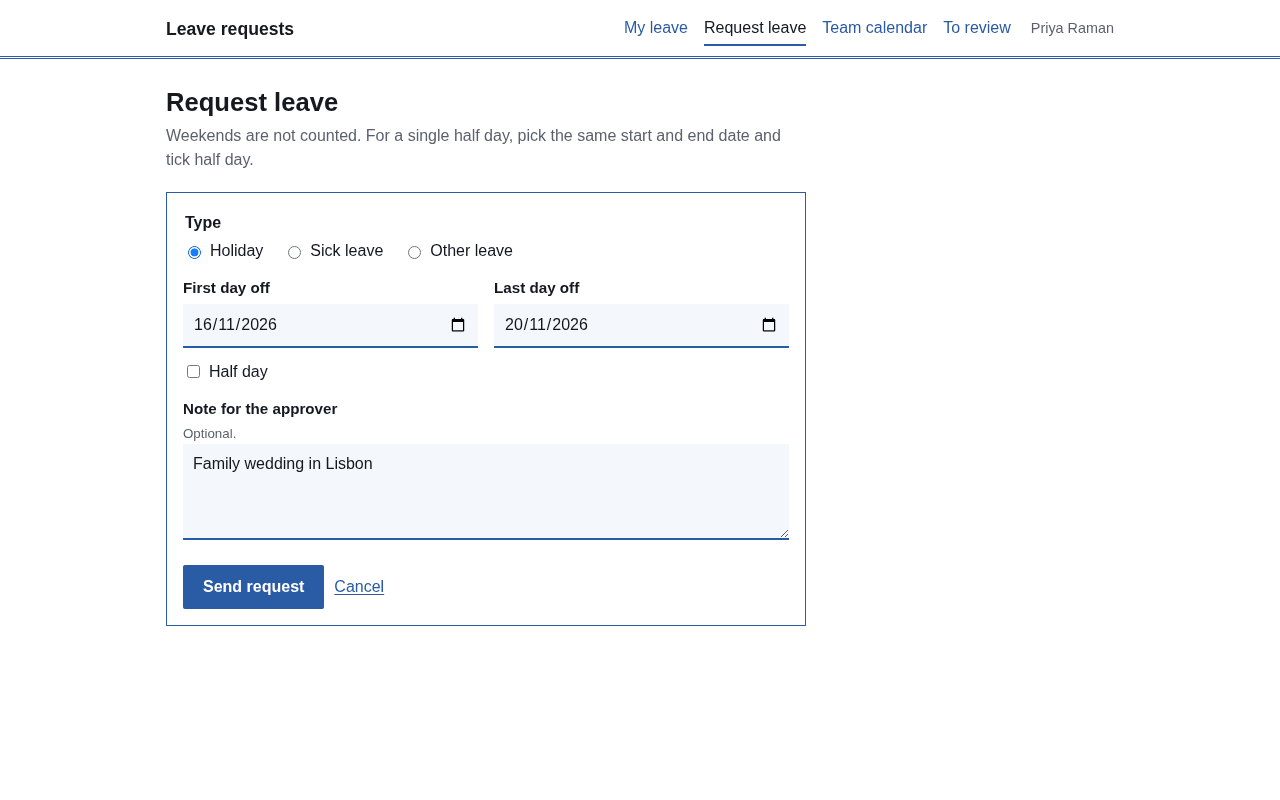
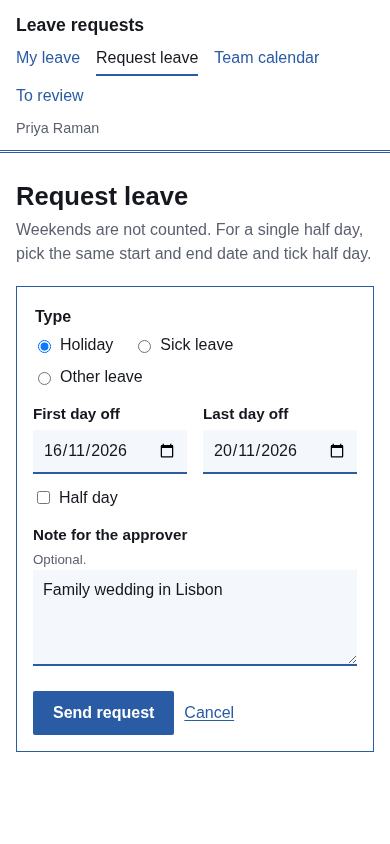
She wants Thursday 4 March to Tuesday 9 March off. She opens the request form, picks the type, enters the first and last day and adds a note for the approver. The app counts working days for her:
| Date | Day | Counts? |
|---|---|---|
| 4 Mar | Thursday | 1 |
| 5 Mar | Friday | 1 |
| 6 Mar | Saturday | no |
| 7 Mar | Sunday | no |
| 8 Mar | Monday | 1 |
| 9 Mar | Tuesday | 1 |
| Total | 4 days |
Six calendar days, four working days. On her front page the line becomes "10.5 days of holiday left out of 25" (14.5 minus 4), even though nobody has said yes yet.
The approver gets an email: "Leave request from Priya", with the dates, the type, the number of days and her note. Replying to it writes back to Priya. Opening the request, the approver sees an "Also off on these days" list, so a clash with two colleagues is obvious before the button is pressed. They approve and type a short reply. Priya gets an email, "Your leave was approved", with that reply, and the days appear on the team calendar.
If Priya had asked for 15 working days instead, the app would have refused it on the spot, because 15 is more than the 14.5 she had left.
Who's off this month
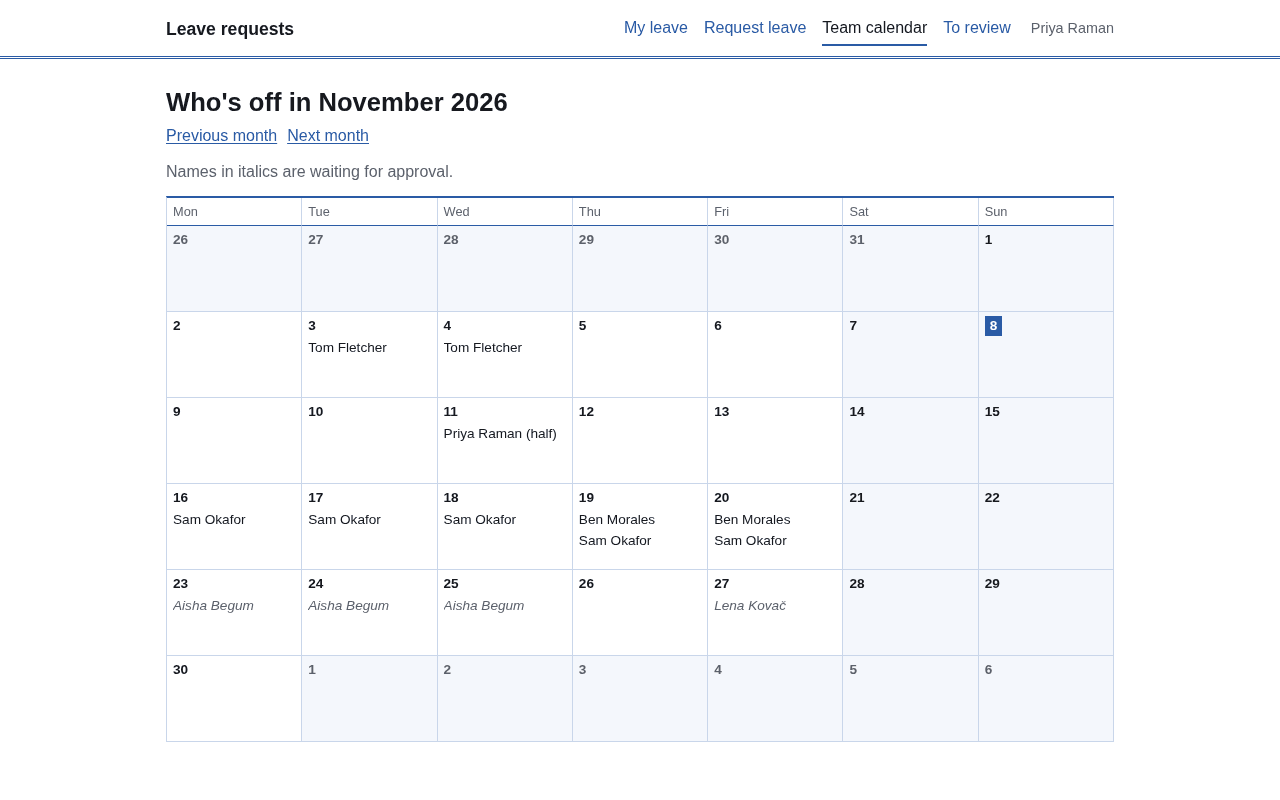
The calendar is a month grid, Monday first, with weekends shaded. Every name appears on the days they are away, half days are marked "(half)", and requests that are still waiting show in italics so you can tell plans from confirmed leave. Everyone on the team can open it, which is what cuts the "is anyone covering Thursday?" messages. On a phone the grid turns into a list.
Pages show the latest data when someone opens or reloads them, so an approval made a minute ago appears on the next reload.
The rules, in plain words
- Weekends are skipped. Only Monday to Friday count toward the days taken.
- A half day is its own request for a single date, and it takes off half a day.
- Only vacation counts against the yearly allowance. Sick leave and other leave are recorded and approved, but they don't reduce it. (The app's own labels are Holiday, Sick leave and Other leave.)
- The allowance runs January to December and is the same number for everyone. The default is 25 days; "yearly allowance" is a setting you change by asking Claude.
- A vacation request over what is left is refused. So are requests that overlap your own leave, requests that are only a weekend, and anything over 60 working days at once (the message says to talk to your manager first).
- Leave over New Year is two requests, one for each year.
- People can cancel leave that has not started. Canceling approved leave emails the approvers.
- Anyone who approves can also approve their own request. If that matters for your team, ask Claude to change it.
What it won't do yet
Each one is something you can ask Claude to add, because you get the whole app's code. None of them is there until you do.
Which plan fits your team size
A starter costs nothing on top of your plan. It uses one of your app slots and your plan's allowances, like any app. As of November 2026:
| Your team | Plan | Price |
|---|---|---|
| Up to 5 people who sign in | Free | $0 |
| Up to 25 people | Pro | $25 a month ($250 a year) |
| Up to 125 people | Team | $99 a month |
"People" means everyone who can sign in across all your apps. On Free the app goes to sleep after 15 idle minutes and wakes when someone opens it. Full numbers are on the pricing page, and you choose the region the app runs in.
Three changes worth asking for
- "Add our public holidays for 2027 so they aren't counted as leave days." Fixes the biggest gap for most offices.
- "Give Sam 20 days a year and everyone else 25." Per-person allowances.
- "Add a Training leave type that doesn't use the allowance." Your own kinds of leave, tracked on the same calendar.
If you want a monthly CSV of approved leave for payroll, that is one more sentence to Claude. See the other starter apps, or connect Haechy to your assistant to begin.